

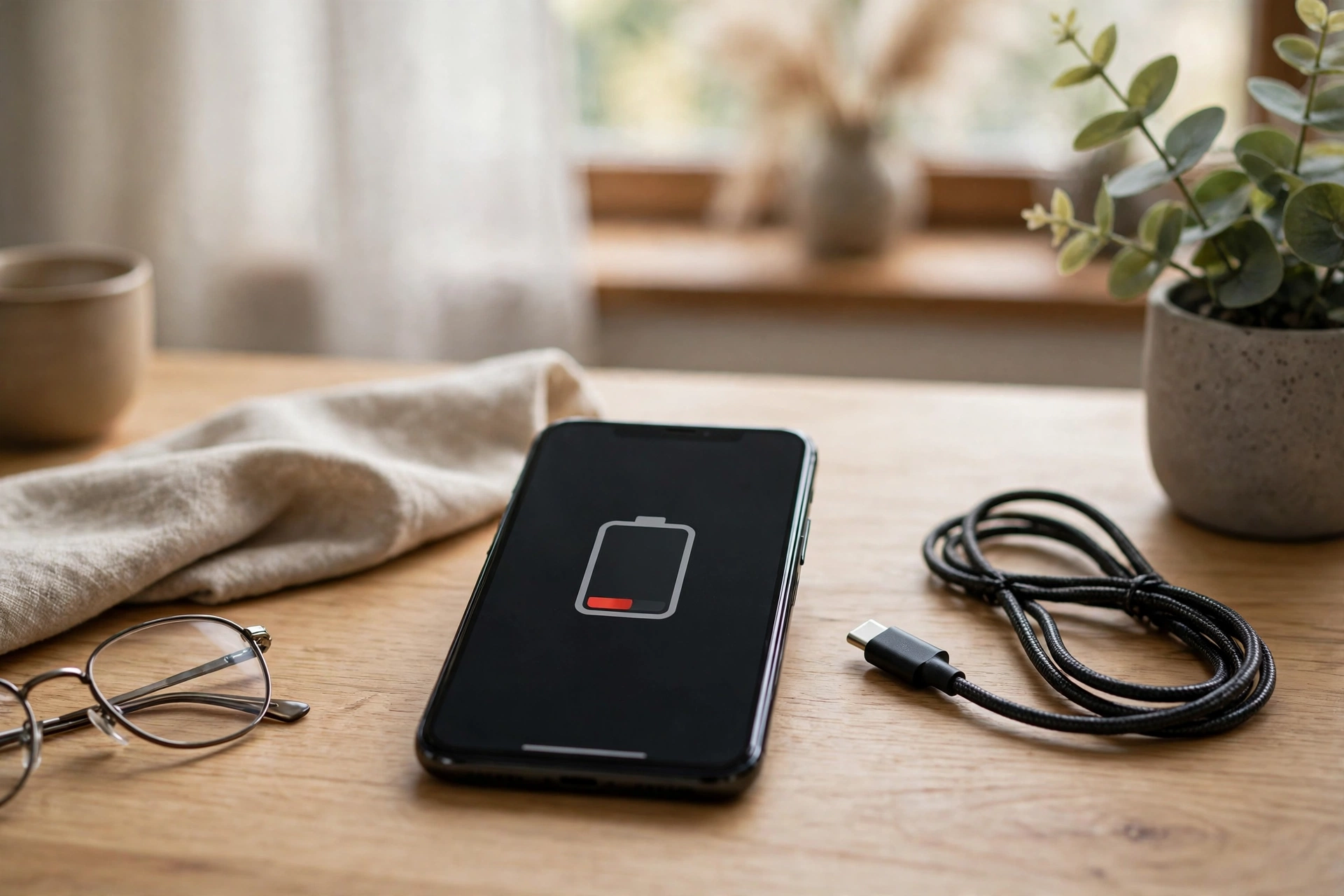
Few modern problems are as annoying as watching your battery percentage fall before lunch. If you keep asking why does my phone battery drain so fast, the answer is rarely one dramatic fault. More often, several small drains add up: a bright screen, busy apps working in the background, weak signal and a battery that is simply getting older. This guide explains the common causes and the fixes that make the biggest difference.
The Screen Is the Biggest Drain
Nothing on your phone uses more power than the display, and the brighter and bigger it is, the more it drinks. A screen left at full brightness can use noticeably more energy than the same screen at half brightness, especially outdoors. High refresh-rate settings, which make scrolling look smoother, also cost power because the picture is redrawn more often.
Turning brightness down, using automatic brightness, and shortening the screen timeout so the display switches off sooner are the simplest savings you can make. Dark mode helps on phones with OLED screens, where black pixels use little or no power.
Apps Working in the Background
Many apps keep working after you close them. Social media, email, news and shopping apps refresh their feeds, check your location and send notifications throughout the day. One app behaving badly after an update can drain a surprising share of your battery on its own.
Both major phone systems have a battery screen in settings that shows exactly which apps have used the most power. Check it before changing anything: if one app sits at the top by a wide margin, restrict its background activity, update it, or remove it and see whether the drain stops. Location access is another quiet drain, so set apps to use your location only while you are using them, rather than always.
Weak Signal Makes Your Phone Work Harder
Your phone constantly talks to the mobile network, and when the signal is weak it has to shout. Working in a building with poor reception, travelling through rural areas, or keeping mobile data on in a dead zone can drain a battery far faster than normal use. The same applies to Wi-Fi that keeps dropping and reconnecting.
If you are somewhere with almost no signal for hours, aeroplane mode or Wi-Fi calling can save a lot of power. At home, staying connected to Wi-Fi usually uses less energy than mobile data.
Batteries Wear Out With Age
Phone batteries are built on chemistry that slowly degrades. Every charge cycle leaves the battery able to hold slightly less than before, and heat from fast charging, gaming or hot weather speeds the process up. After a couple of years of daily charging, many phones simply cannot store what they once did, so the percentage falls faster even though nothing is wrong with your settings.
Most phones can show you a battery health figure in settings. If the maximum capacity has dropped well below its original level, no setting will bring it back, and a battery replacement is usually far cheaper than a new phone. Our guide to the difference between RAM and storage can also help you judge whether an ageing phone is worth repairing or replacing.
Fixes Worth Trying First
Work through the easy wins in order: check the battery usage screen for one greedy app, lower brightness, tighten location permissions, and keep your phone and apps updated, because updates often fix known drain bugs. Turn off features you never use, such as Bluetooth scanning or always-on display, and avoid leaving the phone in hot places like a car dashboard.
If the drain started suddenly, think about what changed: a new app, an update, or a new commute through a poor-signal area is often the real culprit. Find the change, and you usually find the cause.
