

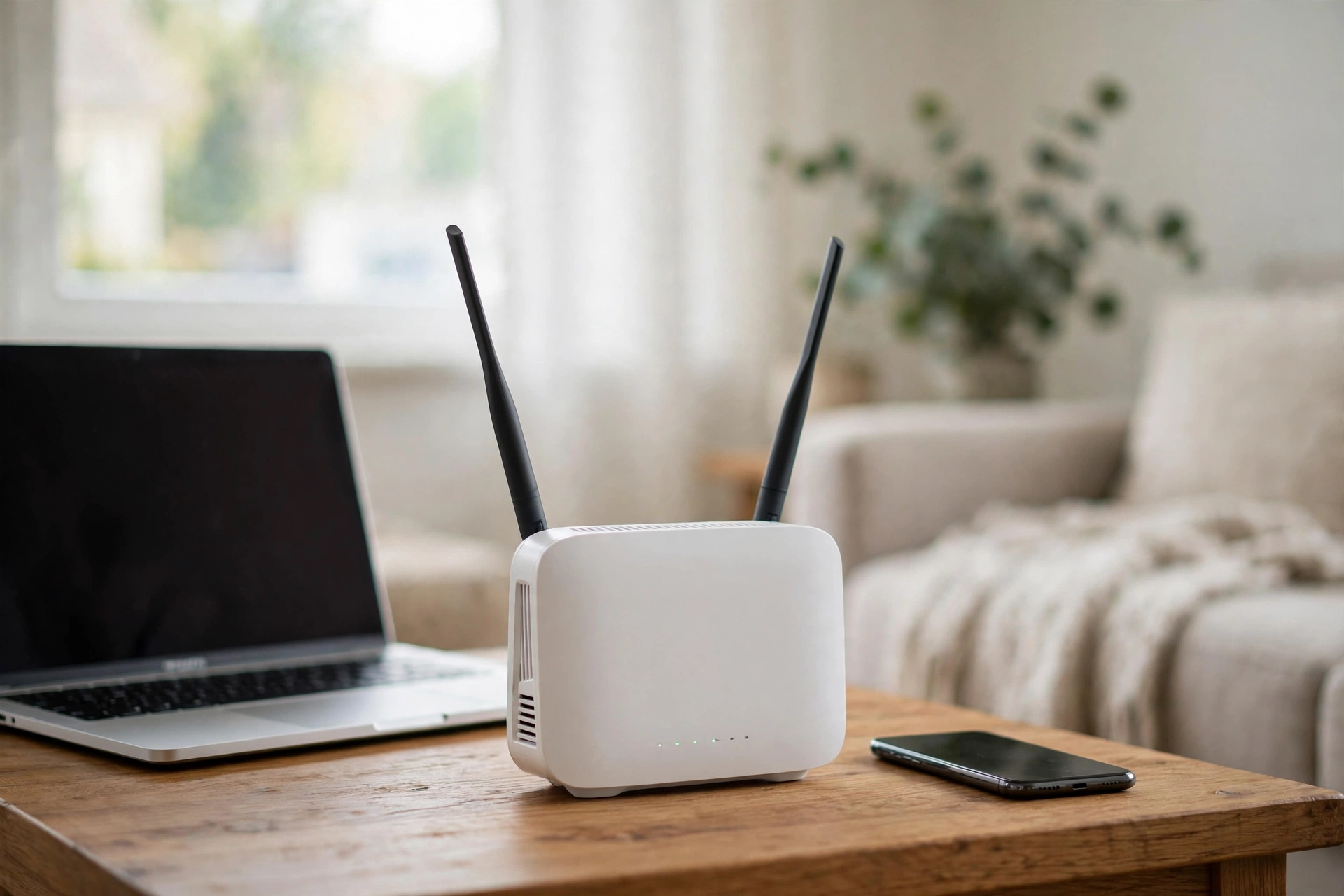
Few home problems are as irritating as Wi-Fi that works perfectly one minute and vanishes the next. Video calls freeze, films buffer and smart speakers go silent, often for no obvious reason. The good news is that most dropouts are not a broken internet service. They are local problems inside your home, and most have simple fixes. This guide explains the common causes and the order in which to try the solutions.
Your Router Is in the Wrong Place
Wi-Fi is a radio signal, and like any radio signal it weakens with distance and struggles to pass through obstacles. Thick walls, brick, metal and even large fish tanks all absorb or block it. A router hidden in a cupboard, behind the television or in the far corner of the house is asking to be ignored by the rooms at the other end.
Move the router somewhere central and, if you can, a little raised rather than on the floor. Keep it out in the open rather than inside furniture, and away from thick walls between it and the rooms where you actually use the internet. This single change fixes more weak-signal complaints than any setting ever will.
Interference From Other Devices and Networks
Your Wi-Fi shares the airwaves with a crowd of neighbours and gadgets. Other routers nearby compete for the same channels, especially in flats and terraced streets. Baby monitors, cordless phones and microwaves can also disturb the signal, which is why some connections drop at the exact moment the microwave starts.
Most modern routers broadcast on two bands. The 2.4 GHz band travels further and passes through walls better, but is slower and more crowded. The 5 GHz band is faster but reaches less far. If your connection drops in distant rooms, try the 2.4 GHz network there; if it drops in the same room, the 5 GHz band may be cleaner. Restarting the router also forces it to pick a fresh channel, which sometimes clears interference by itself.
Too Many Devices at Once
A household that once had three connected devices may now have thirty: phones, laptops, tablets, televisions, consoles, doorbells, plugs and speakers, all quietly sharing one connection. When several of them stream, download or update at the same time, an older or basic router can struggle, and individual devices get dropped while it copes.
Check whether the dropouts follow a pattern, such as the evenings when everyone is home. Large downloads and game updates scheduled for quiet hours help, and disconnecting gadgets you no longer use takes pressure off. If your home has simply outgrown a basic free router from your provider, a newer router or a mesh system, which spreads several signal points around the house, is the long-term answer for larger homes.
The Router Itself Needs Attention
Routers are small computers that run for months without a break, and they benefit from an occasional restart just as laptops do. Turning the router off for thirty seconds and back on clears its memory, reconnects it cleanly to your provider and fixes a surprising share of random dropouts. Try this before anything complicated.
Routers also receive software updates, called firmware, that fix faults and improve stability. Some update themselves; others need you to sign in to the router’s settings page or the provider’s app and check. An old router running years-old software is a common hidden cause of unreliable connections.
When the Problem Is Your Provider
Sometimes the Wi-Fi is fine and the internet feeding it is not. A quick test separates the two: connect a laptop to the router with a network cable during a dropout. If the wired connection has also failed, the fault is the line or your provider, not your wireless signal, and no router setting will cure it.
Note the times of the dropouts and contact your provider if they continue. Providers can test the line from their end, and faults in street cabinets and cables are theirs to repair. Keeping a short log of when it drops, and whether the lights on the router change, makes that conversation far more productive.
Most Wi-Fi dropouts are a signal problem wearing a disguise: a badly placed router, a crowded band or a tired box that needs a restart. Work through the position, the band, the number of devices and a firmware check, and the connection that used to vanish mid-film usually settles down.

1 Comment
Pingback: What Is 5G and How Does It Work? Explained Simply - CFC Daily