

A laptop rarely becomes slow overnight. It fades: starting up takes longer, programs pause before opening, and the fan seems to run at full speed doing very little. The encouraging truth is that most slow laptops are not dying. They are overloaded, clogged or overdue some simple maintenance. This guide explains the usual causes and the fixes that genuinely work, starting with the free ones.
Too Many Programs Start With the Laptop
Over months of use, programs quietly add themselves to the list of things that launch when you switch the laptop on. Each one takes a slice of memory and processing power before you have opened anything yourself, so the machine feels sluggish from the first minute.
Both Windows and Mac systems let you see and control this list in their settings or task manager. Turn off anything you do not need the moment the laptop starts, such as game launchers, chat apps and update helpers for programs you rarely open. The programs remain installed and still work when you click them; they simply stop competing for the first five minutes of the day.
The Storage Drive Is Nearly Full
A drive that is almost completely full slows a laptop in a way that surprises people. The system needs spare room to shuffle files, hold temporary working space and install updates, and when that room disappears, everything becomes harder work. Photos, videos, downloads and old games are the usual occupants.
Aim to keep at least a tenth of the drive free. Move large personal files to an external drive or cloud storage, delete downloads you no longer need, and uninstall programs you have stopped using. Our guide to the difference between RAM and storage explains what each part does, which helps you judge whether space, memory or something else is your real problem.
An Old Hard Drive or Too Little Memory
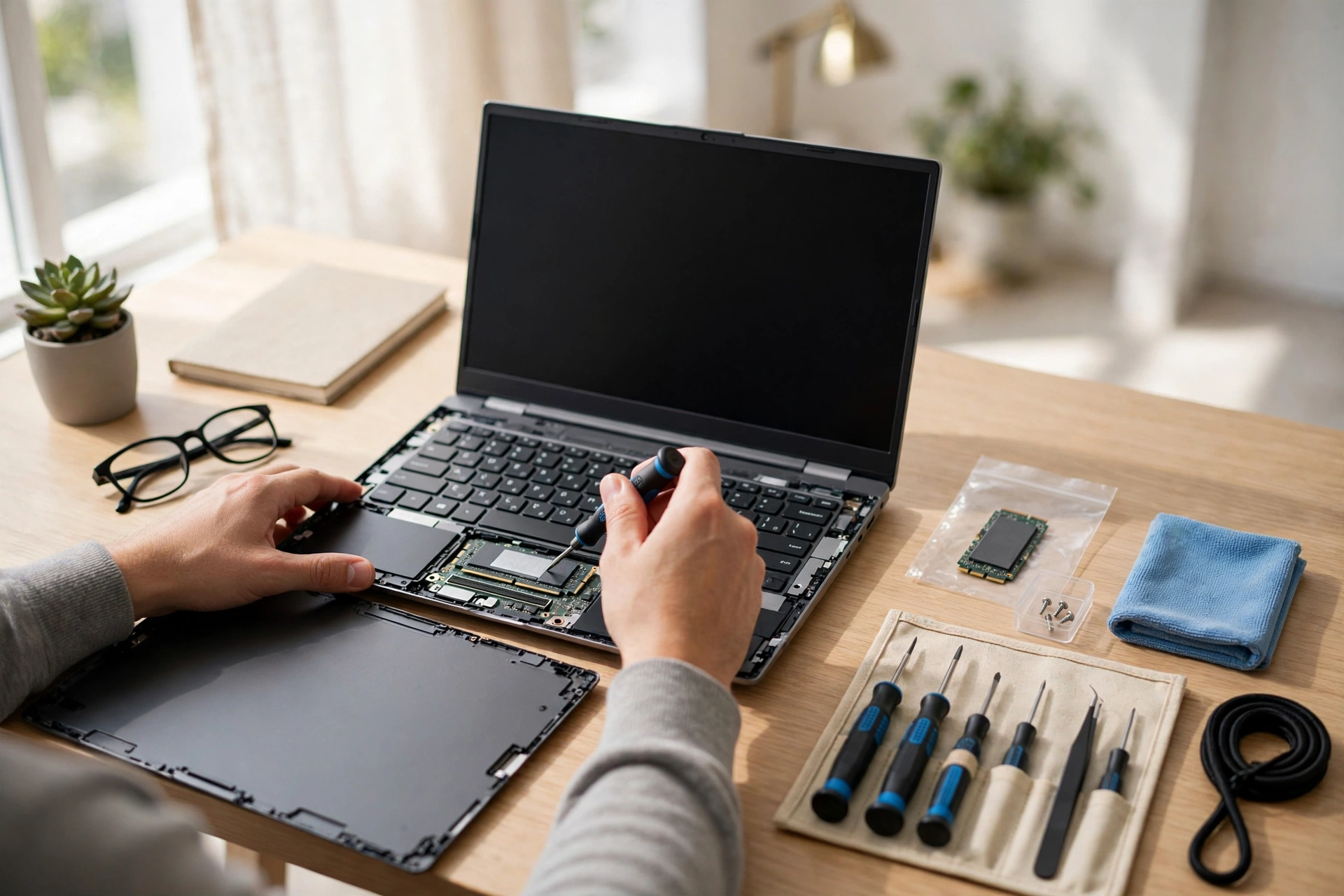
If your laptop still uses a traditional spinning hard drive, that drive is very likely its biggest bottleneck. Replacing it with a solid-state drive, usually called an SSD, is the single most effective upgrade for an older laptop: start times fall from minutes to seconds and programs open noticeably faster. It is also, on many models, a job a local repair shop can do the same day.
Memory matters too. A laptop with very little RAM struggles when you keep many browser tabs and programs open together. Adding memory is cheap on models that allow it, though many thin modern laptops cannot be upgraded at all, which is worth checking before you buy anything.
Heat, Dust and Background Nasties
Laptops cool themselves through small vents and fans. When those vents clog with dust, or the laptop sits on a bed or sofa that smothers them, the machine protects itself by slowing down. Use it on a hard, flat surface, keep the vents clear, and if the fan roars constantly, a gentle clean of the vents or a service may be overdue.
Two quieter culprits deserve a check. Security scans and system updates running in the background can make a laptop feel slow for an hour and then normal again, which is a pattern worth noticing. And actual malware can consume power invisibly, so run a full scan with your security software if the slowness arrived suddenly alongside pop-ups or strange behaviour.
Fixes in the Right Order
Start free: trim the startup list, free up at least a tenth of the storage, restart the laptop properly rather than sleeping it, and install the updates it has been postponing. Then check the heat and run a security scan. If the laptop is still slow after that, the hardware answer is almost always an SSD first and more memory second.
A laptop that was quick when you bought it usually has the same speed buried in it still. Clear what has piled on top, give it room to breathe, and most machines reward you with years more useful life.
